LEGO® MINDSTORMS™でつくるラジコンカー
専攻科 制御情報システム工学専攻 瀬川 博貴
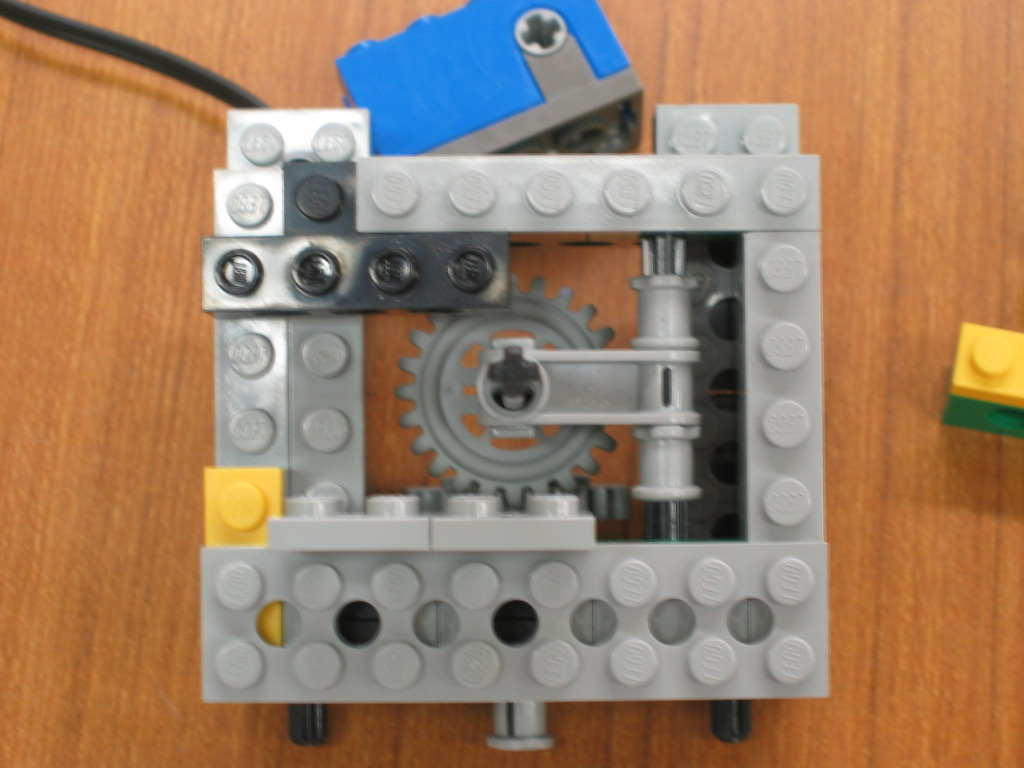
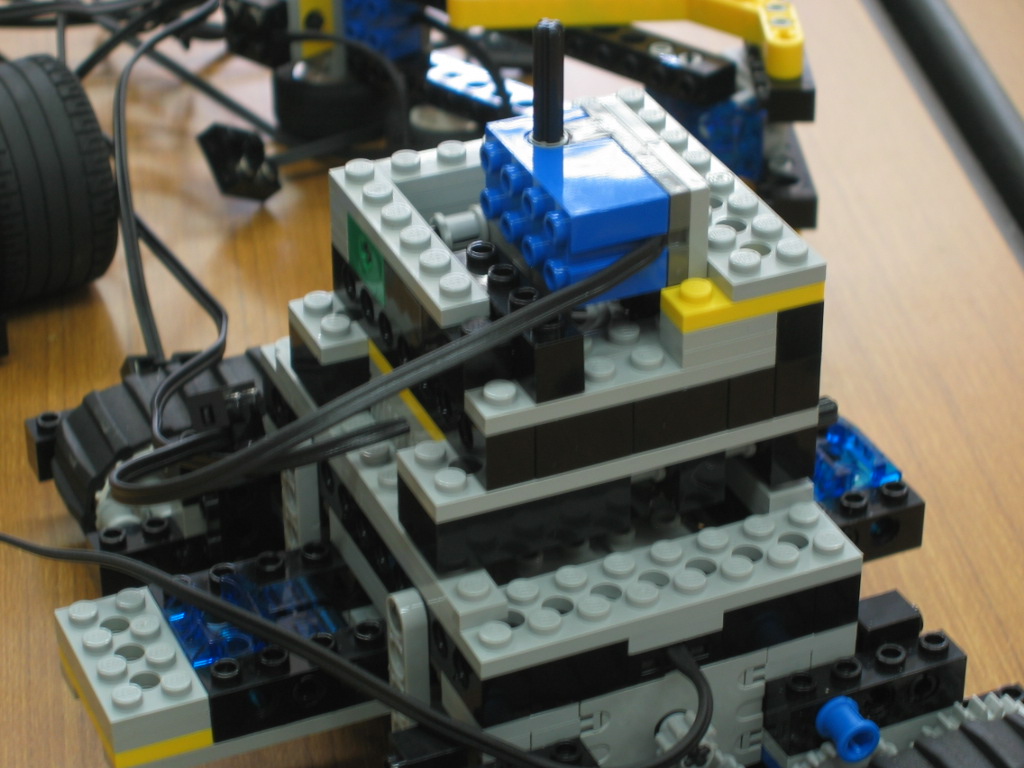
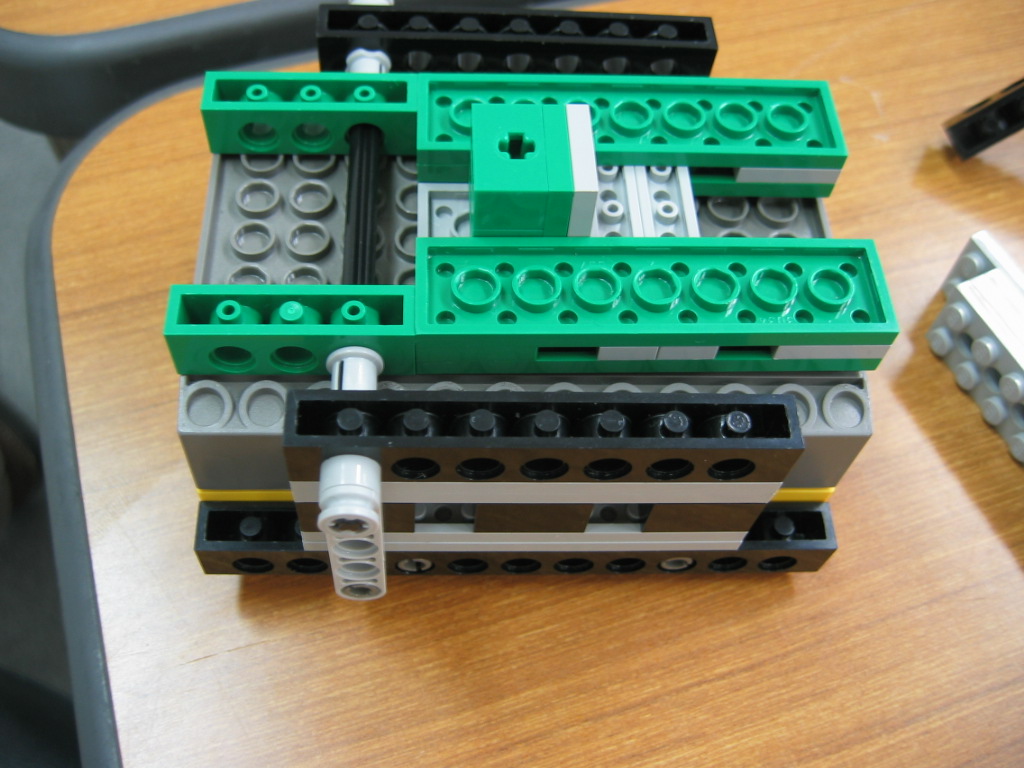
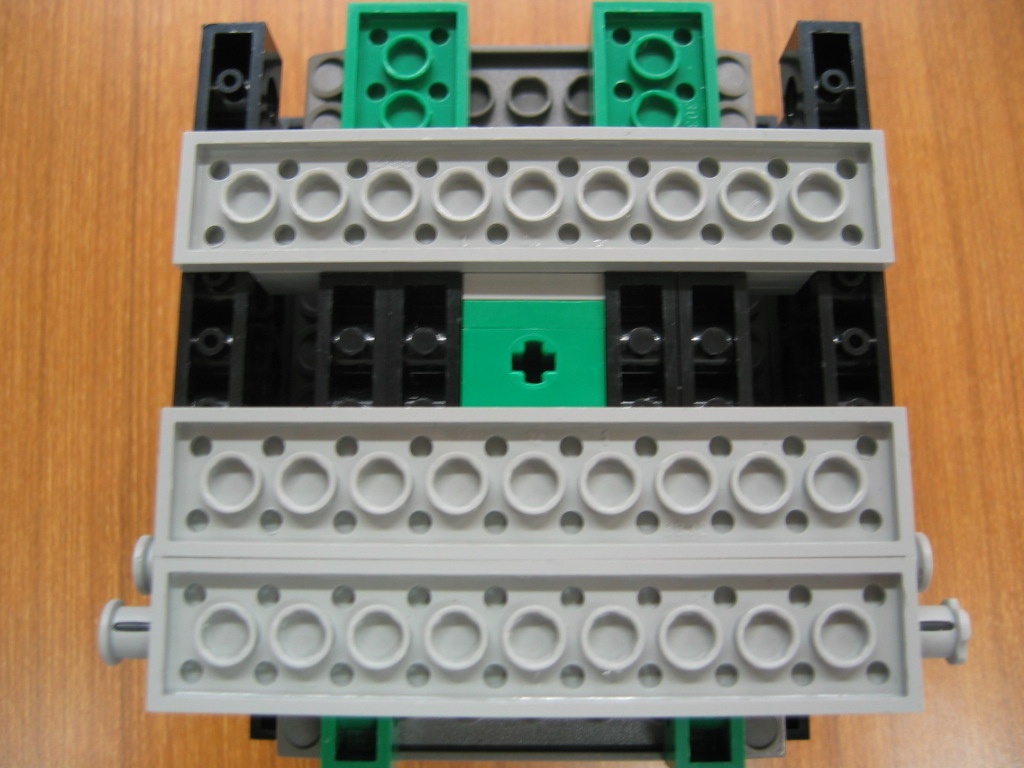
1.作成方法
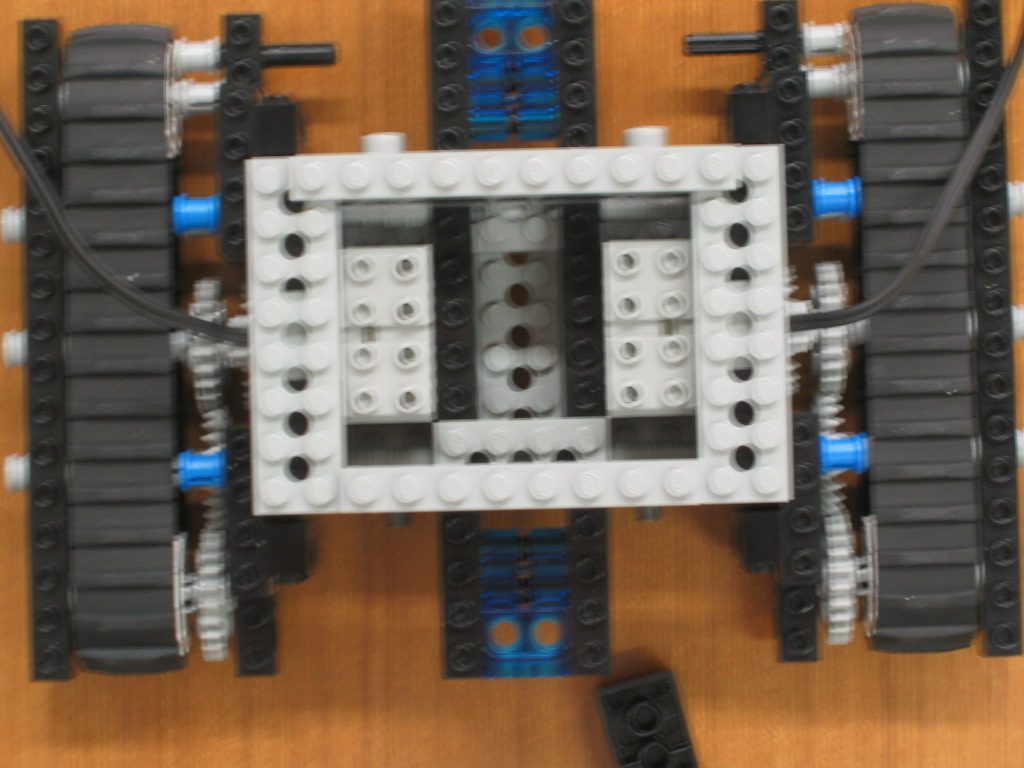
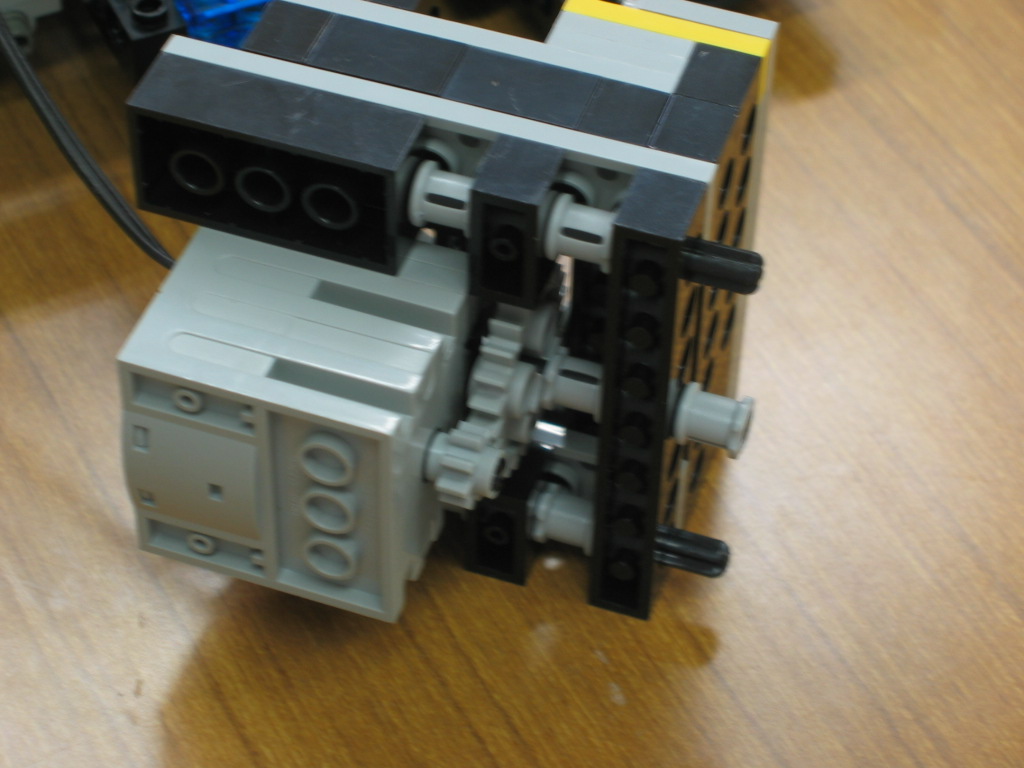
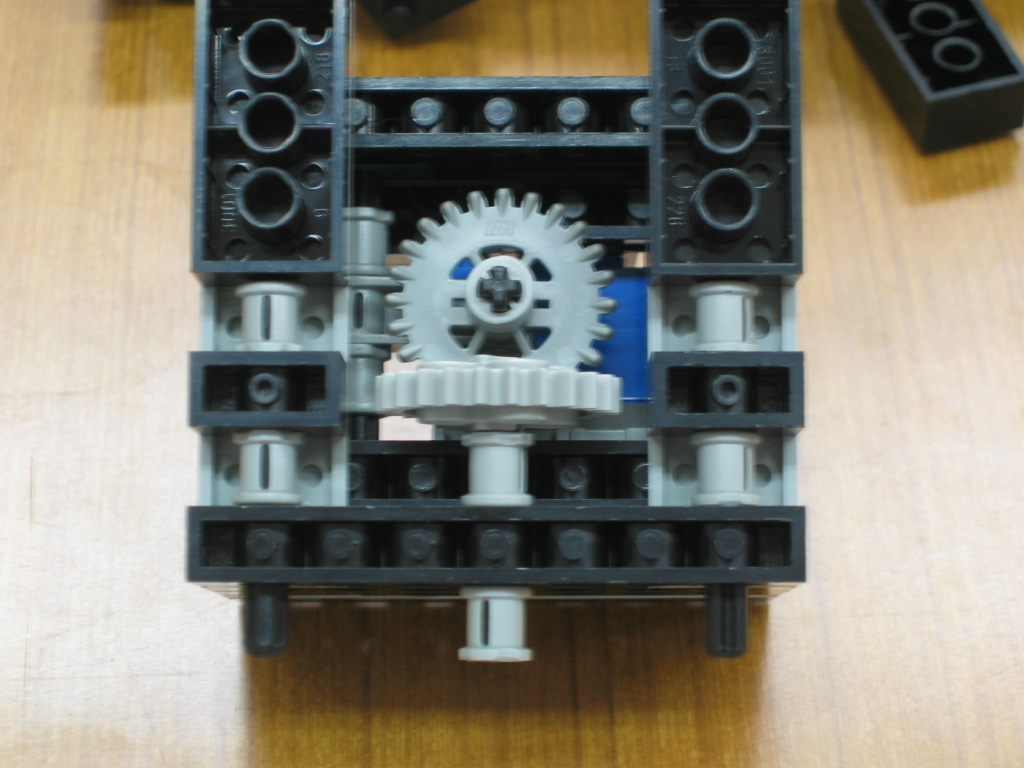
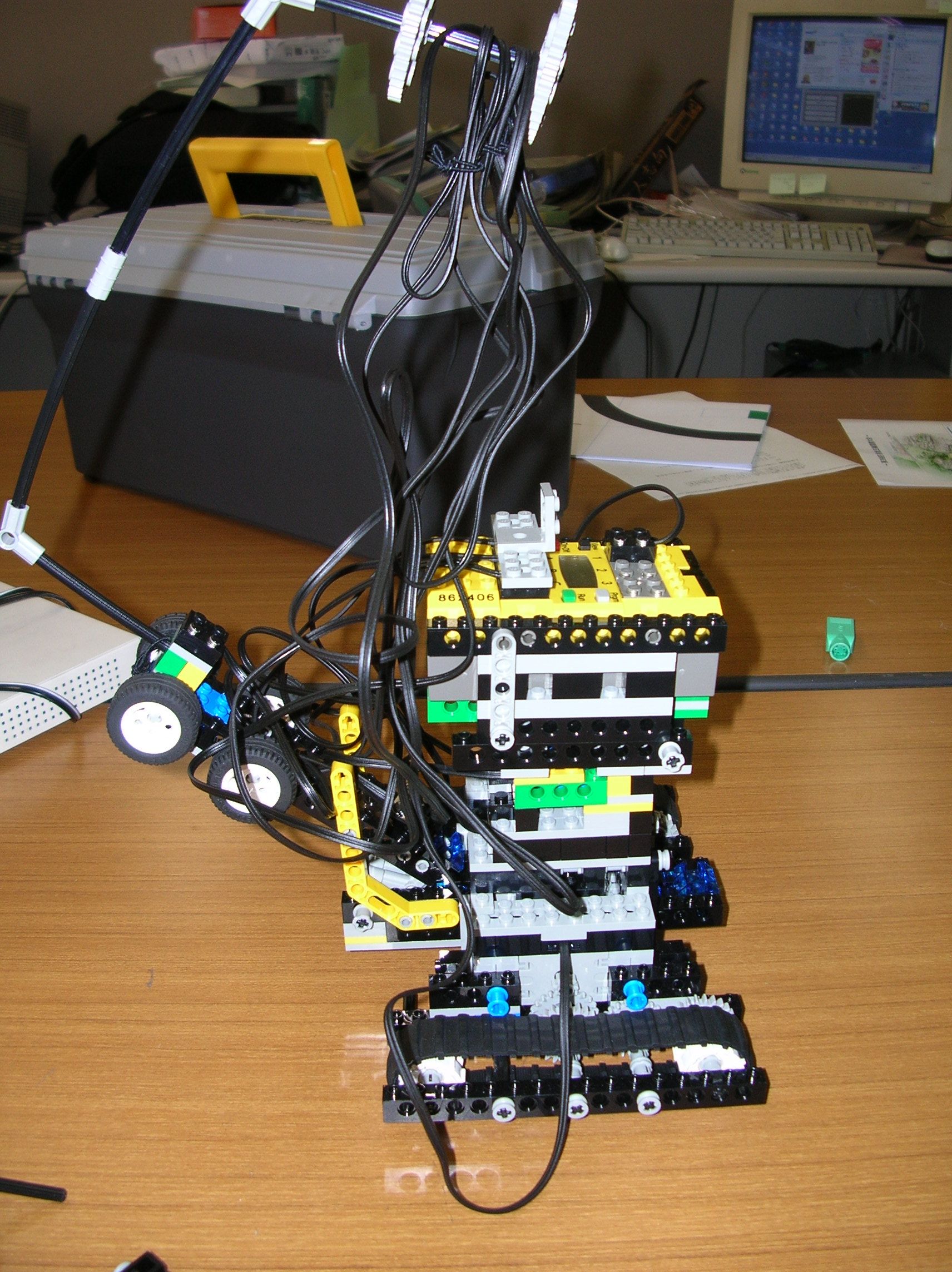
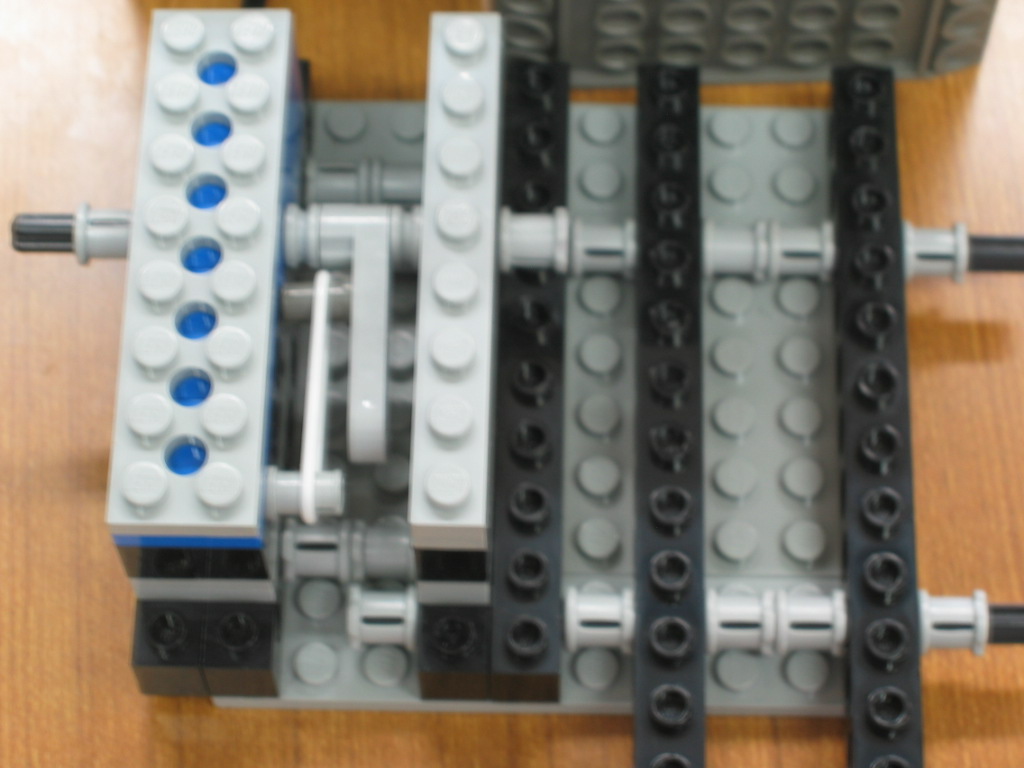
本体の作成
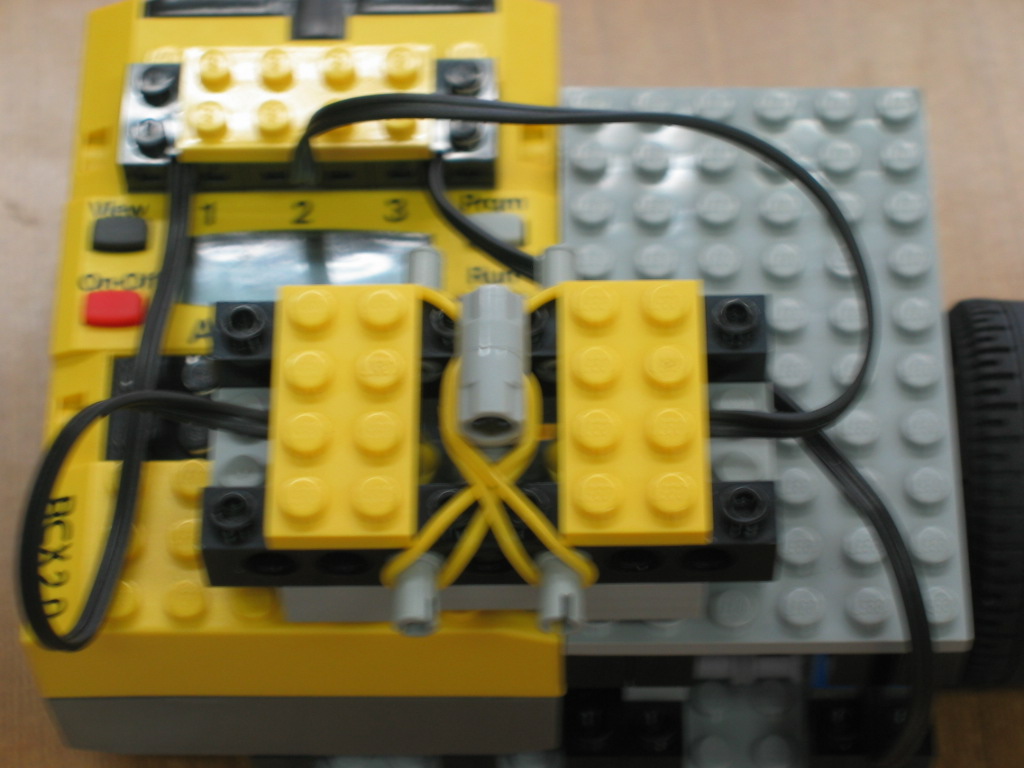
コントローラの作成
2.配線方法
本体の場合
ポートA:右のモータ
ポートB:左のモータ
ポートC:RCX回転用モータ
ポート1:ロータリーセンサー
コントローラの場合
ポート1:左検出用タッチセンサ
ポート2:右検出用タッチセンサ
ポート3:ロータリーセンサー
3.プログラム
**ファームウェアはbrickos-0.9.0を使用しています。**
本体用プログラム --- rccar.c
/*戦車*/
#include<lnp/lnp.h>
#include<conio.h>
#include<unistd.h>
#include<dsensor.h>
#include<dmotor.h>

int stop();
int drive();
wakeup_t rt_dr_wakeup(wakeup_t data);
wakeup_t rs_r_wakeup(wakeup_t data);
wakeup_t rs_l_wakeup(wakeup_t data);
tid_t t_stop, t_drive;

int main(int argc, char *argv[]) {
    cputs("on");
    t_stop = execi(&stop, 0, NULL, 100, DEFAULT_STACK_SIZE); // make stop task
    t_drive = execi(&drive, 0, NULL, 50, DEFAULT_STACK_SIZE); // make drive task
    return 0;
}

int stop(){ // rcx stop function
    int stopchar;
    stopchar = getchar();
    if(stopchar == KEY_RUN || stopchar == KEY_ONOFF){
        cputs("stop");
        killall(100);
        msleep(5000);
    }
    else{}
    return 0;
}

int drive(){ // drive function
    char getmsg;
    int count = 0;
    int rotation = 0;

    ds_active(&SENSOR_1);
    ds_rotation_on(&SENSOR_1);
    ds_rotation_set(&SENSOR_1, 0);

    while(1){
        wait_event(&rt_dr_wakeup, 0); //wait for lnp_rcx_message
        getmsg = lnp_rcx_message;
        clear_msg();
        //motor a = right
        //motor b = -left
        rotation = ROTATION_1;
        if(getmsg == 'a'){ //fwd
            motor_a_speed(MAX_SPEED);
            motor_b_speed(MAX_SPEED);
            motor_a_dir(fwd);
            motor_b_dir(rev);
        }
        else if(getmsg == 'b'){ //back
            motor_a_speed(MAX_SPEED);
            motor_b_speed(MAX_SPEED);
            motor_a_dir(rev);
            motor_b_dir(fwd);
        }
        else if(getmsg == 'c'){ // left + fwd
            motor_a_speed(MAX_SPEED);
            motor_b_speed(0);
            motor_a_dir(fwd);
            motor_b_dir(rev);
        }
        else if(getmsg == 'd'){ // left + back
            motor_a_speed(MAX_SPEED);
            motor_b_speed(0);
            motor_a_dir(rev);
            motor_b_dir(fwd);
        }
        else if(getmsg == 'e'){ // left
            count++;
            motor_a_speed(MAX_SPEED);
            motor_b_speed(MAX_SPEED);
            motor_a_dir(fwd);
            motor_b_dir(fwd);
            /*************/
            if(count >= 5){
                motor_c_speed(MAX_SPEED);
                motor_c_dir(fwd);
                //rotation = ROTATION_1;
                //wait_event(&rs_l_wakeup, rotation);
                msleep(80);
                motor_c_dir(off);
                count = 0;
            }
            /*************/
        }
        else if(getmsg == 'f'){ // right + fwd
            motor_a_speed(0);
            motor_b_speed(MAX_SPEED);
            motor_a_dir(fwd);
            motor_b_dir(rev);
        }
        else if(getmsg == 'g'){ // right + back
            motor_a_speed(0);
            motor_b_speed(MAX_SPEED);
            motor_a_dir(rev);
            motor_b_dir(fwd);
        }
        else if(getmsg == 'h'){ // right
            count--;
            motor_a_speed(MAX_SPEED);
            motor_b_speed(MAX_SPEED);
            motor_a_dir(rev);
            motor_b_dir(rev);
            /*************/
            if(count <= -5){
                motor_c_speed(MAX_SPEED);
                motor_c_dir(rev);
                //rotation = ROTATION_1;
                //wait_event(&rs_r_wakeup, rotation);
                msleep(80);
                motor_c_dir(off);
                count = 0;
            }
            /*************/
        }
        else{
            motor_a_dir(off);
            motor_b_dir(off);
            motor_c_dir(off);
        }
        msleep(90);
        motor_a_dir(off);
        motor_b_dir(off);
        motor_c_dir(off);
    }
    return 0;
}

wakeup_t rt_dr_wakeup(wakeup_t data){ // lnp check for drive func
    return 'a' <= lnp_rcx_message && lnp_rcx_message <='h';
}

wakeup_t rs_r_wakeup(wakeup_t data){
    return ROTATION_1 < data;
}

wakeup_t rs_l_wakeup(wakeup_t data){
    return ROTATION_1 > data;
}
コントローラ用プログラム --- remocon.c
/*リモコン*/
#include<lnp/lnp.h>
#include<conio.h>
#include<unistd.h>
#include<dsensor.h>

int stop();
int send_mes();
tid_t t_stop, t_send;

int main(int argc, char **argv) {
    t_stop = execi(&stop, 0, NULL, 100, DEFAULT_STACK_SIZE);
    t_send = execi(&send_mes, 0, NULL, 50, DEFAULT_STACK_SIZE);
    return 0;
}

int stop(){ // rcx stop function
    int stopchar;

    stopchar = getchar();
    if(stopchar == KEY_RUN || stopchar == KEY_ONOFF){
        cputs("stop");
        killall(100);
        msleep(5000);
    }
    else{}
    return 0;
}

int send_mes(){
    char sendmsg = 'x';

    ds_active(&SENSOR_3);
    ds_rotation_on(&SENSOR_3);
    ds_rotation_set(&SENSOR_3, 0);

    while(1){
        if(ROTATION_3 >= 2){ // fwd
            cls();
            cputs("FFFF");
            sendmsg = 'a';
        }
        else if(ROTATION_3 <= -2){ // back
            cls();
            cputs("BBBB");
            sendmsg = 'b';
        }
        else{}
        if(SENSOR_2 < 0xf000 && ROTATION_3 >= 2){ // left + fwd
            cls();
            cputs("LFLF");
            sendmsg = 'c';
        }
        else if(SENSOR_2 < 0xf000 && ROTATION_3 <= -2){ // left + back
            cls();
            cputs("LBLB");
            sendmsg = 'd';
        }
        else if(SENSOR_2 < 0xf000){ // left
            cls();
            cputs("LLLL");
            sendmsg = 'e';
        }
        else{}
        if(SENSOR_1 < 0xf000 && ROTATION_3 >= 2){ // right + fwd
            cls();
            cputs("RFRF");
            sendmsg = 'f';
        }
        else if(SENSOR_1 < 0xf000 && ROTATION_3 <= -2){ // right + back
            cls();
            cputs("RBRB");
            sendmsg = 'g';
        }
        else if(SENSOR_1 < 0xf000){ // right
            cputs("RRRR");
            sendmsg = 'h';
        }
        else{}
        send_msg(sendmsg);
        cls();
        cputs("----");
        sendmsg = 'x';
    }
    return 0;
}
4.動作の様子
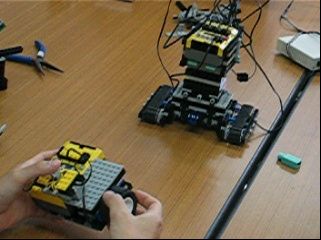
実際に動かしているときの様子です。